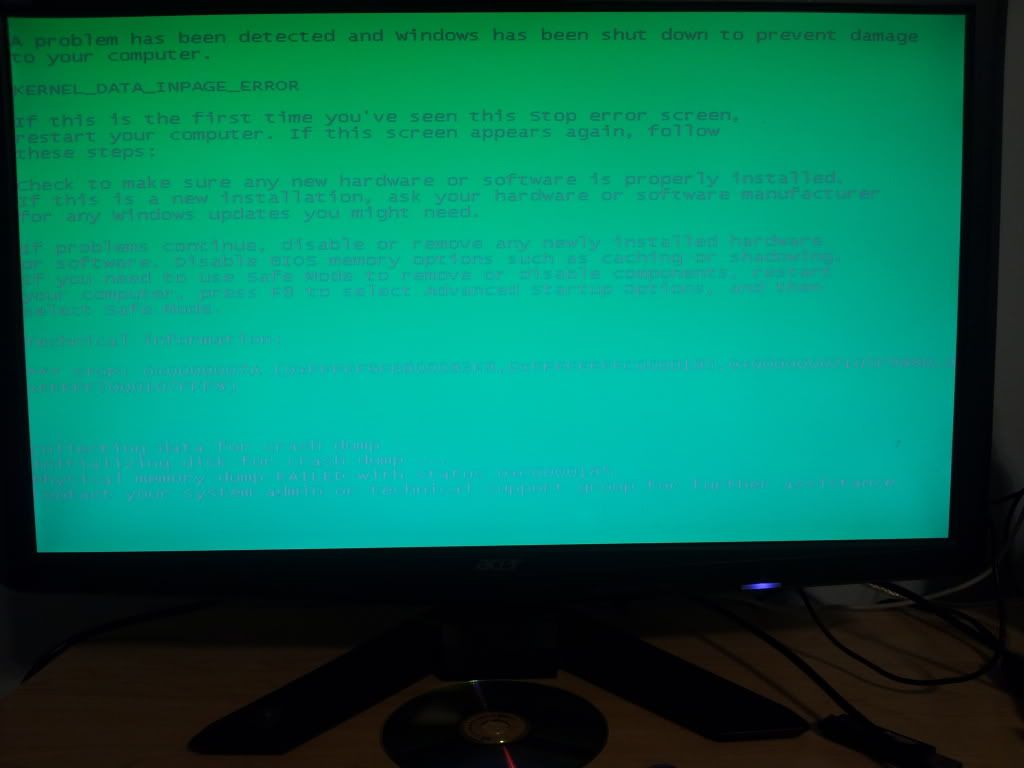
I’m running Windows 7 and occasionally get a GSOD. I’ve reviewed my logs and nothing jumps out at me. There are no memory dumps because it is unable to make them. I did take a picture of my last one and it’s hosted at photobucket
Do these errors occur randomly, or are there a certain actions or patterns by which they are triggered? I’m not familiar with this particular error screen you posted, but SODs are mostly caused by bad hardware and/or driver problems, with bad RAM the most likely candidate. Did you install new hardware or drivers before this error occurred the first time? If not, do you have more than one RAM module installed? If yes, you could try working with only a single RAM module installed and watch out if a certain module is the culprit. Alternatively, you can test your RAM with memtest.
I’m bored, so I googled the “KERNEL_DATA_INPAGE_ERROR” and found this thread from Microsoft answers that suggests that it’s most likely a HDD problem. So you should run chkdsk first as proposed there:
EDIT: Here’s more info on the error. If chkdsk doesn’t help, try my first suggestions of testing RAM.
I was figuring it was a HDD issue as it’s not able to write a dump file. I’ve ran chkdsk and my drive manauf’s 's software and while it passes I do hear clicking at times (which terrifies me)
If you hear clicking then your hard drive is in imminent danger of dying. Do not wait any longer to transfer all your personal data to another computer and replace that drive with a new one NOW! do it!