Thank you @TroutMan. This is the first time I’ve ever learned that the preview pane could be closed, and how to do it.
Let’s see. https://www.youtube.com/watch?v=bhlZdP1uKyc
Inserting the link on the line doesn’t work.

Thank you @TroutMan. This is the first time I’ve ever learned that the preview pane could be closed, and how to do it.
Let’s see. https://www.youtube.com/watch?v=bhlZdP1uKyc
Inserting the link on the line doesn’t work.
However, it seems that inserting the link on its own line does work, except that you can’t go back to edit the post.
Thanks, everyone!
As noted above, this is because once the exact URL text has been used in a preview, then you can’t post that URL again. However, you can tweak the URL slightly by appending &1 or various other tweaks. Keep incrementing the number until it works (but remember that you must hide the preview window or be very quick about it). Increment again every time you make an edit.
I use &t=0, adding more zeroes as needed. Unless a specific point in the video is needed.
You can add an & and then almost anything afterward. But for this sort of thing, it tends to be easier to give specific instructions on what to do, rather than general instructions with all of the exceptions spelled out. &1, &2, etc. is easy to explain and understand, and hard to screw up.
Testing
I got rid of the preview pane. Didn’t work.
I haven’t read the thread, but here is what I do when I want to insert a YouTube video with a preview. It seems to work for me every time (on Windows 10). However, once you have inserted the video, you will not be able to make any changes to that post and keep the preview. You will get an error if you try, and/or all you will then see is the pasted URL.
Here is a test video:
That always worked for me, until now. Trying once more.

The problem is that you aren’t posting a link to a video. You’re posting a link to a video in a playlist. Get rid of the “list” part of your link. That’s how I got your video to work inline in the post.
Testing:
Your link still seems to link to a list, or to a song from a list. If you leave out the part after the last ‘&’, like I did, it scans fine.
I don’t understand what I’m doing. I’ve always been able to post them your way in the past.
I search for a song on youtube and cut and paste the url.
I tried it. It said you can’t imbed a video in a post.
In your latest try, have you added something like '&1" at the end of your link? Because else, it wouldn’t work, because my successful linking to the video had already created a preview picture stored at this board’s database, as explained in the OP. Try it again, with the following on a separate line:
https://www.youtube.com/watch?v=VzxrJ6YybrE&list=RDVzxrJ6YybrE&2EinsteinsHund-
I have been trying all the different suggestions, but I didn’t add anything that time.
Thank you for all your help! I’m really not as dumb as I seem. I’m just not very tech savvy.
Thanks to Atamasama and RoderickFemm also.
Can I put my preview pane back in? Does it matter.
If I remember correctly, when I first started posting here, you could click the https cut/paste and the links with an image would automatically show up.
The problem isn’t the list after the “&”. That will typically work fine, it’s just more characters after the “&”, which is the recommended workaround.
I think the problem is that you are using ctrl-V to paste the link, and the default behavior for that in several Windows programs changed a while ago. Now instead of pasting the exact text, it pastes it as a hyperlink with title text. So instead of pasting
https://www.youtube.com/watch?v=VzxrJ6YybrE
you end up pasting
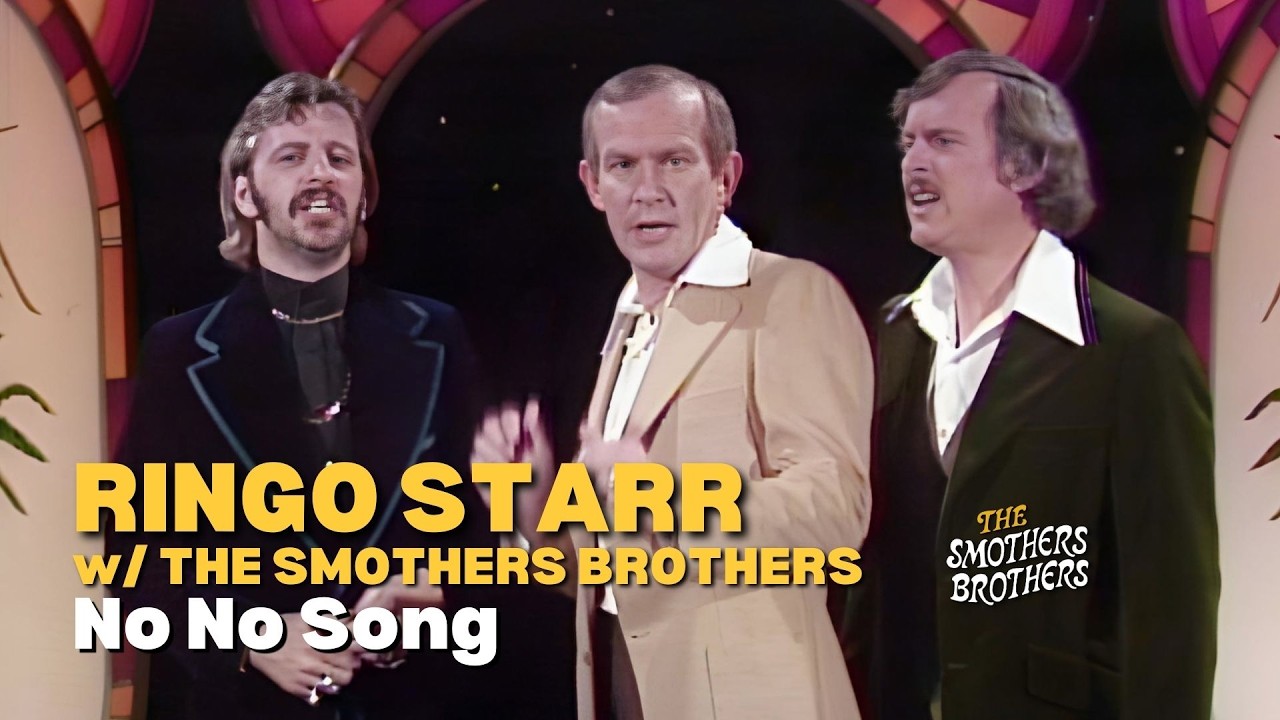
[Ringo Starr | No No Song | The Smothers Brothers Comedy Hour]
(https://www.youtube.com/watch?v=VzxrJ6YybrE&list=RDVzxrJ6YybrE&start_radio=1)
which isn’t automatically resolved to a preview.
To paste in the link text, either type shift-ctrl-V, or right-click and select Paste as plain text. (Plus make sure you’re doing the other stuff recommended here, like hiding the preview pane and adding &1 or similar.)