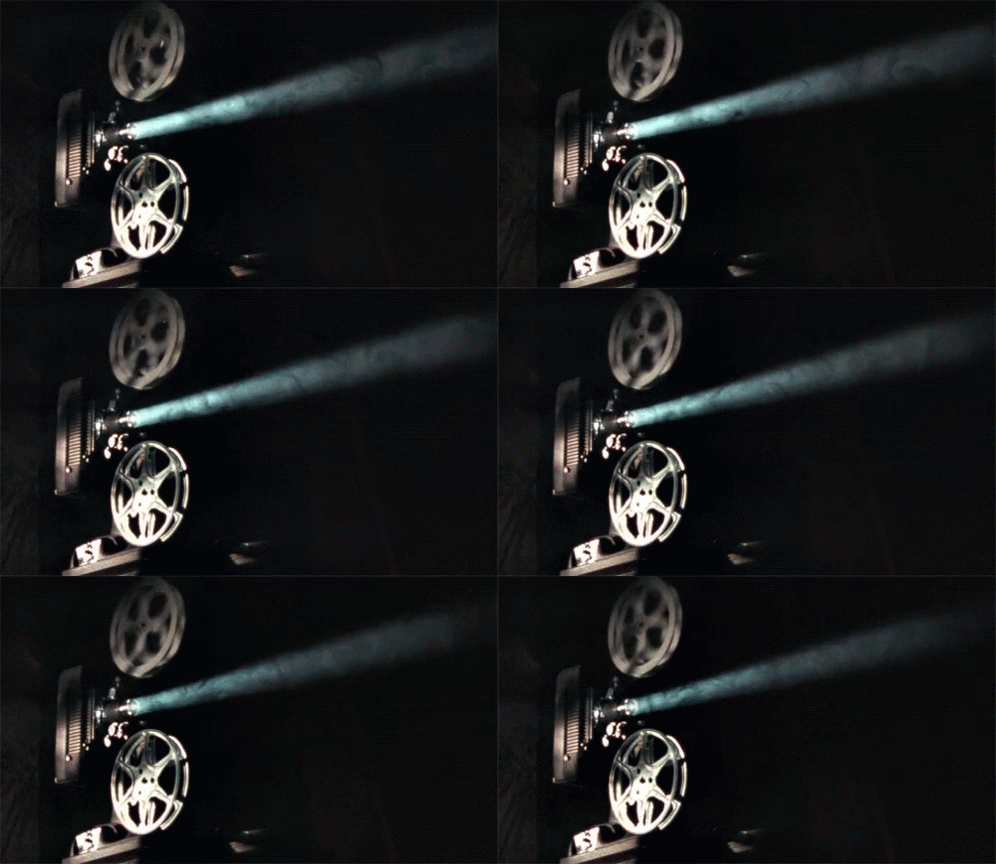
I know this is a dumb question, but how do I put an animated .gif into a comment, that is not one of the ones you can choose from the small library with the .gif button?
I tried to post this in a comment:
Since the author does not allow link previews, all I got was the text link. So I did a ‘save as’ and posted it in my comment. It was not animated; just the still photo.
I did look for ‘projector’ in Facebook’s .gif library, and I found two that was the same one I posted here… only they had captions that I didn’t want.
Yes. I went to the gif and did a ‘Save as’. I gave it a name, and the format was .gif. Then I used the camera icon to post it. It was only a still photo.
I control-clicked the same animated .gif that is in the OP, and saved it. I just did it again, saving the image that is in the OP. When I double-click on the filename, it opens in Preview… but the image is static. There are two images in the file. When I ‘Open with’ Safari, it is animated. But not when I post the file (using the camera icon) in FB.
Hmm. Adding an animated gif to FB works for me.. (Brave browser).
According to google ai, there are a few things you could try :-
To fix animated GIFs not working in Safari, check your Accessibility settings for “Reduce Motion” and “Auto-play animated images,” and ensure the Safari settings for “Auto-Play” are enabled. Other solutions include clearing your browser’s cache, disabling extensions, or making sure the GIF file isn’t too large or has an incorrect loop setting.
Check your device and browser settings
Accessibility Settings: Go to Settings > Accessibility > Display and make sure “Reduce Motion” is turned off. On newer iOS/macOS versions, there may be a separate “Auto-play animated images” toggle in Accessibility settings that needs to be enabled.
Messages Settings (iPhone): In Settings > Messages, ensure “Low Quality Image Mode” is turned off. You may also need to disable any third-party keyboards under the iMessage section.
Safari Settings (macOS): In Safari, go to Settings > Websites > Auto-Play. Make sure it’s set to a value that allows GIFs to play, such as “Allow All Auto-Play”.
Also, check you haven’t got an extension that migh affect it ..I have one called
animation policy which allows you to control animation options.
It’s animated when I open it with Safari. It’s not animated when I post it on FB (which I am reading on Safari). I don’t have ‘Accessibility’ when I go to Settings in Safari. I do see Auto play under the Websites tab (but no ‘Reduce motion’).
ETA: On my test post, I replied with a link to the Tenor page. The image posted with a clickable ‘GIF’ button that you can push to start. But as I said in the OP, the friend whose post I was replying to does not allow previews; only the text links.