(This is too late for the OP and it was probably a one-off need anyway, but just thought I’d share…)
As a side project this afternoon, I made an app that lets you more easily highlight text in scanned/photographed documents, and then save it as a new image:
Example video:
It runs entirely in your browser, on your own computer only (your image is never uploaded). It uses machine vision to detect lines of text to try to make the highlighting easier — you can drag to select entire words or lines of text, as though it were digital (kinda like how Preview does it). But you can choose any color(s) you want and easily save the results afterward.
Simple tool, but an interesting learning experience for me.
More details for the curious...
It works OK on cleaner scans of low to moderate complexity, like a newspaper:
https://fightingignorance.org/7986bc46-7cab-4ed8-ba60-900b9add0887-2026-06-19-000230.jpg
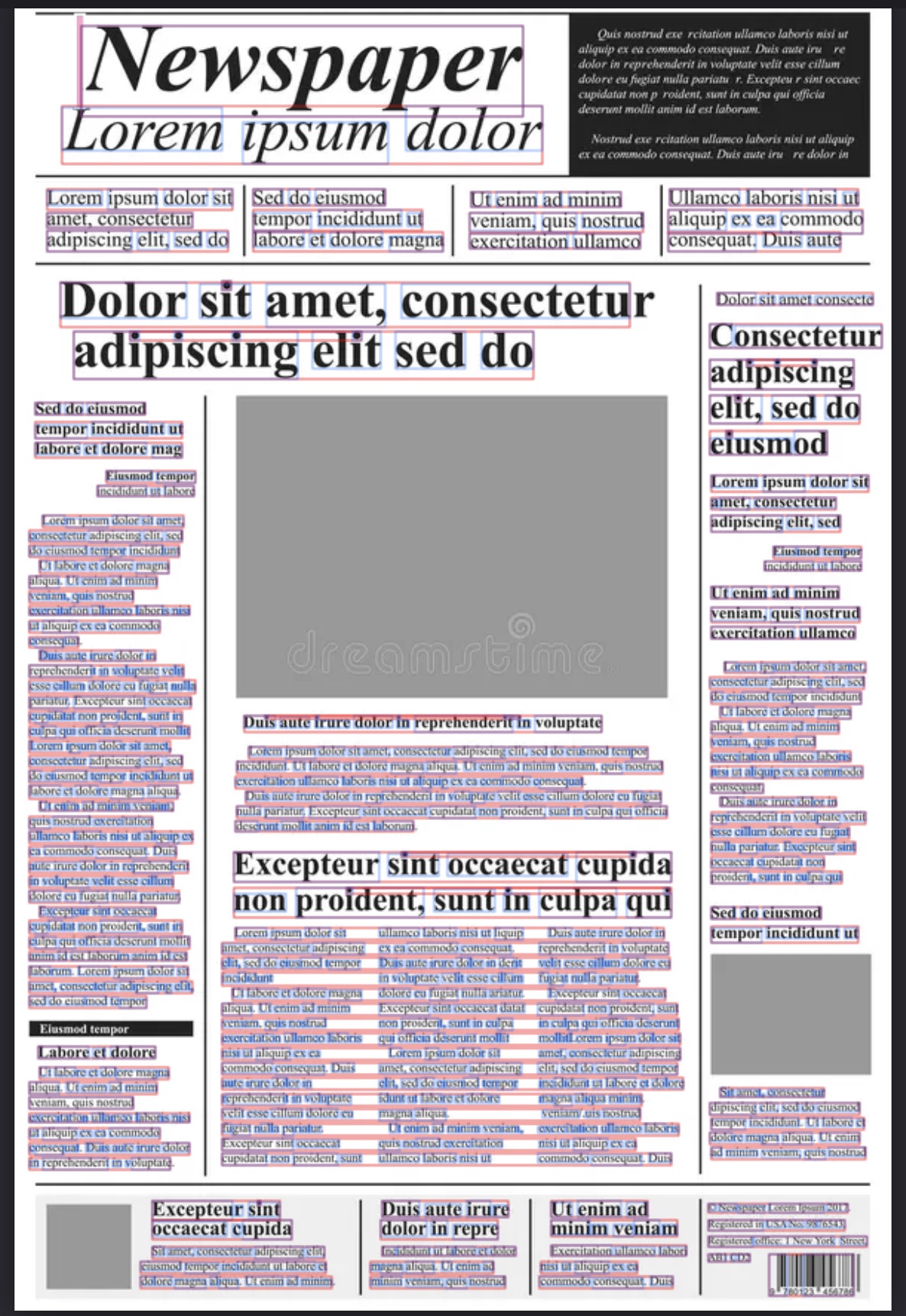
The cool thing is that it uses a simple computer vision model (borrowed from other open-source libraries) that tries to detect lines of text (segmentation) without the overhead of doing actual OCR. This lets you quickly highlight lines of text like you would with normal website text (or like how Preview does it with actual OCR).
It will struggle on anything with poor lighting or is wrinkled or skewed, etc. (for now), so don’t bother trying it on a poorly scanned receipt or anything like that.
Free/open-source: Github - Easy Highlighter