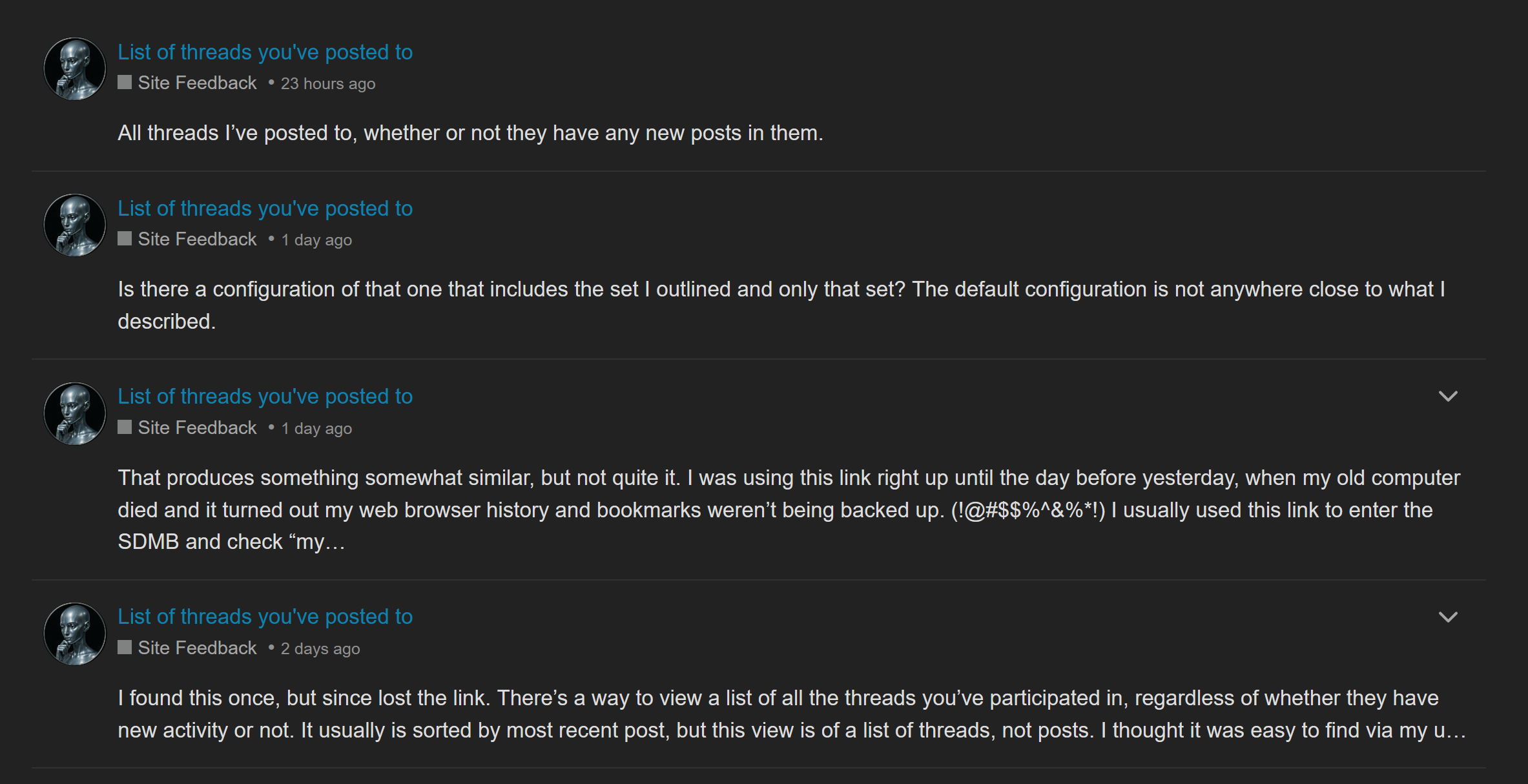
I found this once, but since lost the link.
There’s a way to view a list of all the threads you’ve participated in, regardless of whether they have new activity or not. It usually is sorted by most recent post, but this view is of a list of threads, not posts. I thought it was easy to find via my user profile, but I can’t anymore. Does anybody have the link for it? This is not just searching for all my posts, it’s a separate feature.
Go to your profile and click “activity”.
It’s all your posts, not just the threads you’ve posted to, so it might not be what you’re looking for.
Other than that, if you’re set to automatically watch any thread you’ve posted to, you could look at your list of watched threads.
never mind: answered a different question than you asked.
The way I do it:
a) Click magnifying glass
b) click “hamburger” icon that appears in the resulting search bar
c) Click the “Advanced filters” dropdown
d) On the search option where the prompt reads “posted by” enter your username; your avatar will show. Select that and implement the search.
That’s close. But that gives a list of each of your posts. The OP wanted a list of each thread into which they’ve posted. Implicitly with one entry per thread no matter how many posts they put into that thread.
For that:
- Go to advanced search.
- In the “Only return topics / posts” dropdown, select “I posted in”.
- Execute the search.
AFAIK, there is no specific page or button you can push that gives the same result. But there’s no reason you can’t create a browser favorite with the url of that search result page. Which you can click at any time to get a fresh listing.
In fact here is that url which will work for anyone anytime to run their search returning their posted-to threads in newest on top order: Search results for ‘in:posted’ - Straight Dope Message Board
That produces something somewhat similar, but not quite it.
I was using this link right up until the day before yesterday, when my old computer died and it turned out my web browser history and bookmarks weren’t being backed up. (!@#$$%^&%*!) I usually used this link to enter the SDMB and check “my” threads before going on to the others I never posted in.
The link had no parameters in it. The results did not look like a search, they looked like a lists of threads seen in other views. It didn’t show text from my post underneath each thread title.
Threads with no new posts since I last looked at them were there but greyed out. The threads linked to the latest unread post in them, not to the post I happened to make in each thread.
Does none of this sound familiar to anybody?
I think you’re talking about the Unread page. in the default configuration is show every thread that you’re watching that has new activity in it.
Is there a configuration of that one that includes the set I outlined and only that set? The default configuration is not anywhere close to what I described.
Since you’re not using the standard Discourse terminology I can’t know exactly what you’re trying to say.
There are threads you’ve read, and thread you’ve posted to, and threads you started. Which (any/all) of those are you trying to get a listing of?
Do you understand the meaning of each possible setting of the Watching / Tracking / Normal / Muted dropdown attached to each thread?
Do you know and understand your personal settings under your profile → Preferences → Tracking?
What you can easily retrieve depends on all these things. How it works for me won’t be the same as how it works for you unless our settings are the same.
Once we clearly understand what you’re talking about we ought to be able to steer you to the right place.
All threads I’ve posted to, whether or not they have any new posts in them.
What Joey_P said ^.
It’s in “Activity” in your profile.
Here is yours.
Ok. That’s 100% clear. Thank you.
Still working on a solution.
That sends me to a list of my posts in reverse order in which I made them, not a list of threads in order of most recent activity.
Each of those links goes to that post, and not the most recent unread post in that thread.
That’s closer to what I had before, but not exactly it. That’s still a list of links directly to my posts in those threads, rather than links to where I left off reading in the threads. And I mentioned above, the link I had, wasn’t full of parameters like that one is. It was not a search link.
ETA: So, the best as I can surmise, this apparently was a view of threads that used to be available in the menus, but Discourse went through some “upgrade” where they took it out of the menu. But I’d bookmarked it my browser favorites, and the link just continued to work properly. Until I lost the link. Folks, when you set up your backups, make sure all your folders are getting backed up. I can’t believe my backup was missing the appdata folder. My browser was not the only app affected by this loss.
I found this “recipe” courtesy of a previous topic much like this (thanks to Discourse’s “Related Topics” list:
That said, it appears to be a set of Discourse personal settings, not a specific URL that behaves the way OP wants.
Actually, no, it wasn’t my personal settings, but that thread finally answered what the link was, thank you.
It’s this: https://boards.straightdope.com/posted And if that’s still anywhere in the official Discourse menus, I can’t find it.
That thread might have been the one where I first found the link and started using it. It seemed familiar.
I’ll make a short plug here for Discourse’s customizable hamburger menu. If you open the hamburger menu you will see a plus at the bottom right. Click that and you can add your own links to a custom section. So our OP could save the link within Discourse itself if they wanted.
Awesome, thanks. Done. 